
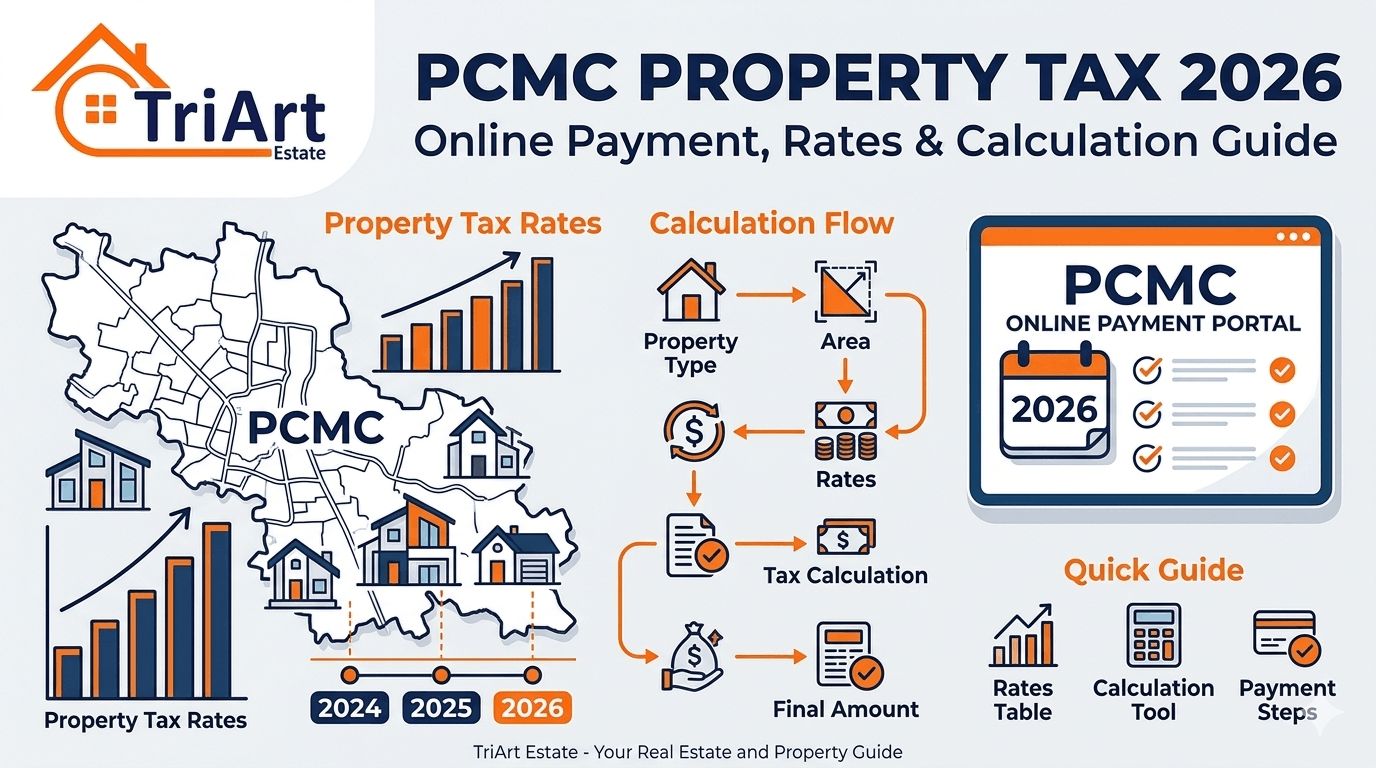
Learn how you can pay your PCMC property tax using both online and offline methods. You can also calculate your property tax by performing a self-assessment of your property. The step-by-step guide provided in this blog will assist you in filing your property tax online.
What is the PCMC Property Tax?
PCMC Property Tax is an annual levy that property owners are required to pay to the Pune-Chinchwad Municipal Corporation (PCMC). It serves as a vital source of revenue for the local body; the PCMC utilises these funds to provide essential civic services. Property owners are required to pay the PCMC Property Tax to the Corporation on a semi-annual basis, a payment that can be conveniently made online. In fact, the PCMC was one of the pioneering civic bodies to initiate the digital collection of property taxes. Failure to pay this tax may result in the imposition of penalties on the property owner, and the local body also retains the authority to seize the property.
Under the property tax jurisdiction of the Pimpri Chinchwad Municipal Corporation (PCMC), properties purchased between 2006 and 2023 are classified as new properties. The PCMC property tax rate ranges from ₹17.18 to ₹31.44 per square foot.
For the purpose of tax collection, the administrative areas of the PCMC have been divided into zones A through H, comprising four electoral offices and one auxiliary municipal office.
Types of properties covered under the Pimpri Chinchwad Municipal Corporation
The properties subject to PCMC property tax are:
- Residential Properties: These include independent apartments, flats, condominiums, etc.
- Commercial Properties: These include structures used for business and commercial purposes, such as shops, office spaces, retail spaces, etc.
- Industrial Properties: These include warehouses.
- Vacant Land: Even if the vacant land is undeveloped, the property owner is still required to pay property tax on it.
Overview of PCMC
| Organization | Pimpri-Chinchwad Municipal Corporation (PCMC) |
| Launched | 1982 |
| Objective | Property tax management |
| Website | https://www.pcmcindia.gov.in/index.php |
| Regions under PCMC | Pimpri, Bhosari, Chinchwad, Akurdi |
How to Pay PCMC Property Tax Online in Pune?
PCMC Property Tax is levied on all properties falling within the limits of the PCMC Corporation. These funds are subsequently utilised for the development of infrastructure in the region. To make an online payment for PCMC Property Tax, you must first check your PCMC property tax details online. Here is a step-by-step guide for paying PCMC Property Tax online.
Step 1: Go to the official website of PCMC @ https://www.pcmcindia.gov.in/.
Step 2: Choose the “RESIDENTS” option on the main menu.
PCMC Property Tax Online Payment on the PCMC Website
Step 3: Click on the “Property Tax” tab under the ‘Residents’ option.
Step 4: On the redirected page, click on the ‘Pay Property Bill Online’ option available on the home page.
Step 5: Fill in the required details, such as the Zone Number, Gat Number, and Property Code.
Step 6: Click on the ‘Show’ button. The PCMC Property Tax details will be displayed online.
Step 7: To pay the PCMC Property Tax online, enter the property owner’s email address and mobile number. You can pay the PCMC Property Tax online using Credit Card, Debit Card, UPI, Wallets, Net Banking, or Internet Banking.
Once the PCMC property tax payment has been completed, a tax receipt will be generated. You may retain the online payment receipt for the PCMC property tax for future reference.
Properties Covered Under the PCMC Property Tax
PCMC property tax applies to all properties situated within the limits of Pune city, including vacant land. The assessment of PCMC property tax is based on the area of the property. PCMC employs a capital-based valuation method to assess property tax. PCMC derives revenue from both tax and non-tax sources. PCMC’s primary tax sources include PCMC property tax, professional tax, entertainment tax, and advertisement tax, among others.
Calculating PCMC Property Tax
PCMC Property Tax (PCMC Property Tax Online Payment) is generally calculated as one per cent of the actual value of the property. The actual value of the property is based on the Ready Reckoner analysis or Circle Rate, which the Revenue Department uses to determine Stamp Duty.
However, a property tax calculator is available on the official PCMC website. This calculator allows you to independently estimate the property tax amount within the PCMC area. Follow the steps given below to calculate your PCMC property tax online.
Step 1: Go to the PCMC website.
Step 2: Click on the ‘Residents’ tab on the homepage.
Step 3: Under this tab, choose the option “Self Assessment of Property”.
Step 4: You will be taken to a new window.
Step 5: Here, a form will appear. You will need to fill in details such as your name, mobile number, Aadhaar number, email ID, PAN number, survey number, flat and building number, locality name, landmark, PIN code, property address, property type, etc.
For the property type, you must select one option from the following: Authorised Property, Unauthorised Property, Partially Unauthorised Property, Change in Usage, or Extended Property.
PCMC Property Tax Online Assessment Form
Step 6: Once you have selected the property type, enter the property’s sub-use type, construction type, and area.
Step 7: Based on the entered information, the Annual Rateable Value will be calculated automatically. At the end of the form, an option is provided to calculate the ‘Tentative Tax’.
Step 8: You will need to fill in the details and click the ‘Next’ button. Once you know the amount, you can pay the PCMC property tax online.
How to know the Assessment status of the PCMC Property Tax?
After applying for a property tax assessment in PCMC, you can check the status of the assessment online. To check the status of the PCMC property assessment online, follow the steps given below:
Step 1: Go to the PCMC website.
Step 2: Click on the ‘Residents’ tab on the homepage.
Step 3: Under this tab, choose “Self Assessment of Property”.
Step 4: Click the ‘Assessment Status’ button on the redirected window.
Step 5: You will be redirected to a window where you will need to enter the ‘Application Number’.
Step 6: Click on the ‘View Application’ button. The status of the application will be displayed online.
How to Make Offline Payment of PCMC Property Tax?
Citizens who face difficulties in making online payments can also pay their PCMC property tax using traditional offline methods. Offline payments for PCMC property tax can be made at any PCMC ward office.
You can make offline payments using a credit card, debit card, cash, check, demand draft, or UPI. It is important to note that checks/demand drafts (DD) must be made payable to “The Tax Collector and Assessor, P.M.C Pune.”
Transferring Property Ownership in PCMC Property Tax
To transfer property ownership under the Pimpri Chinchwad Municipal Corporation, please follow the procedure outlined below.
- Begin by obtaining the application form. Visit the PCMC office and request the form for the transfer of property ownership.
- Fill in the necessary details, such as the current owner, property-related information, and the details of the new owner.
- Gather all required documents, including the Sale Deed, proofs of identity, and tax receipts.
- After accurately filling out the form, submit it along with the documents to the concerned office.
- Pay the applicable fees to facilitate the processing of the documents and to complete the property ownership transfer process.
- The concerned officials may scrutinise the documents and may also conduct a physical inspection of the specified property.
- Once all details have been verified, the PCMC’s property tax records will be updated.
Documents Required For Transfer Of Ownership at PCMC Property Tax
When applying for a transfer of ownership under the PCMC Property Tax, ensure that you have all the necessary documents with you. Cross-check your documents against the list provided below—
- Sale deed
- Previous tax receipts
- Mutation form
- Identity proof
- No Object Certificate (NOC)
- Encumbrance certificate
- Proof of inheritance
Change of Name in PCMC Property Tax Records
PCMC allows citizens to change their names in the PCMC property records. The name change process requires only some simple paperwork. PCMC has prescribed a specific form for changing names in the property tax records.
The fully filled-out application form for the name change must be submitted to the Revenue Commissioner at the PCMC office. The list of documents required to change a name in the property tax records is as follows:
- Duly filled out the application form with my signature
- NOC for no pending dues
- The latest property tax receipt
- Attested copy of the original sale deed
After submitting the application, the entire process of changing the name in the property tax records will be completed within 15 to 30 days.
How to Apply for Building Permission on the PCMC portal?
Applications for building construction permission can be submitted online via the PCMC Pune portal. To apply for building construction permission, please follow the steps outlined below.
Step 1: Go to the official website of PCMC Pune @ https://www.pcmcindia.gov.in/
Step 2: On the homepage, click on the ‘E Services’ tab.
Step 3:Under this, click on the ‘Building Permissions’ section.
Step 4: The following options will appear under this:
- Development Control Rules (DC Rules)
- Information Booklet for Construction on Plots Ranging from 20 to 250 Square Meters
- Approved Building Permissions: Search Facility
- Submission of Building Plans for Approval
- Pay Building Approval Fees Online
- List of Officials
Step 5: Click on the “Submission of Building plan for approval”.
Step 6: You will be redirected to a new website.
Step 7: Here, create a username and password, and then proceed to provide information related to the building—such as area, location, amenities, construction details, etc. Your application will be reviewed for approval.
Latest News on PCMC Property Tax
50% Property Tax Exemption for Properties in Red Zones Starting Next Fiscal Year – PCMC
August 6, 2025: The Pimpri-Chinchwad Municipal Corporation (PCMC) has decided to grant a 50% exemption on property tax for properties situated within ‘Red Zones,’ effective from the next financial year. This decision comes amidst protests staged by several housing societies. The tax exemption was approved during the meetings of the PCMC’s Standing Committee and General Body.
In Pimpri-Chinchwad, ‘Red Zones’ are areas where construction activities are restricted or prohibited under the ‘Works of Defence Act, 1903’. These zones are situated around sensitive defence establishments, such as the ‘Dehu Road Ordnance Depot’ and the ‘Dighi Magazine Depot’. An area extending 2,000 yards around the Dehu Road Depot and 1,200 yards around the Dighi Depot has been designated as a ‘Red Zone’.
A 50% rebate on property tax in the aforementioned area will come into effect on April 1, 2026. It is important to note that only those property owners who have cleared all their outstanding dues will be eligible to avail of this rebate. According to reports, more than 43,000 properties located in the vicinity of the Dehu Road Ordnance Depot and the Dighi Magazine Depot will be eligible for this rebate.
Contact Details of Pimpri Chinchwad Municipal Corporation
If you have any questions regarding PCMC property tax, you may visit the address provided below or contact the given numbers:
Office Address: 4th floor, PCMC main building
Mumbai- Pune highway, Pimpri, Pune 411018
Contact Number: 91-020-67333333/ 020-28333333
for direct contact please dial
6733
Email Address: [email protected]
Summing Up: PCMC Property Tax
PCMC Property Tax is an essential annual tax, the payment of which is mandatory. Citizens can also pay their PCMC Property Tax online. Failure to pay PCMC Property Tax on time may result in the imposition of an additional penalty, over and above the outstanding tax amount.
Read more:RERA 2.0 2026: New Rules, Transparency & Impact on Homebuyers



Join The Discussion